Settings
Embed Chatbot allows for internal conversations within your own knowledge base and external sharing via an iframe to your website, equipping you with an official customer service bot.
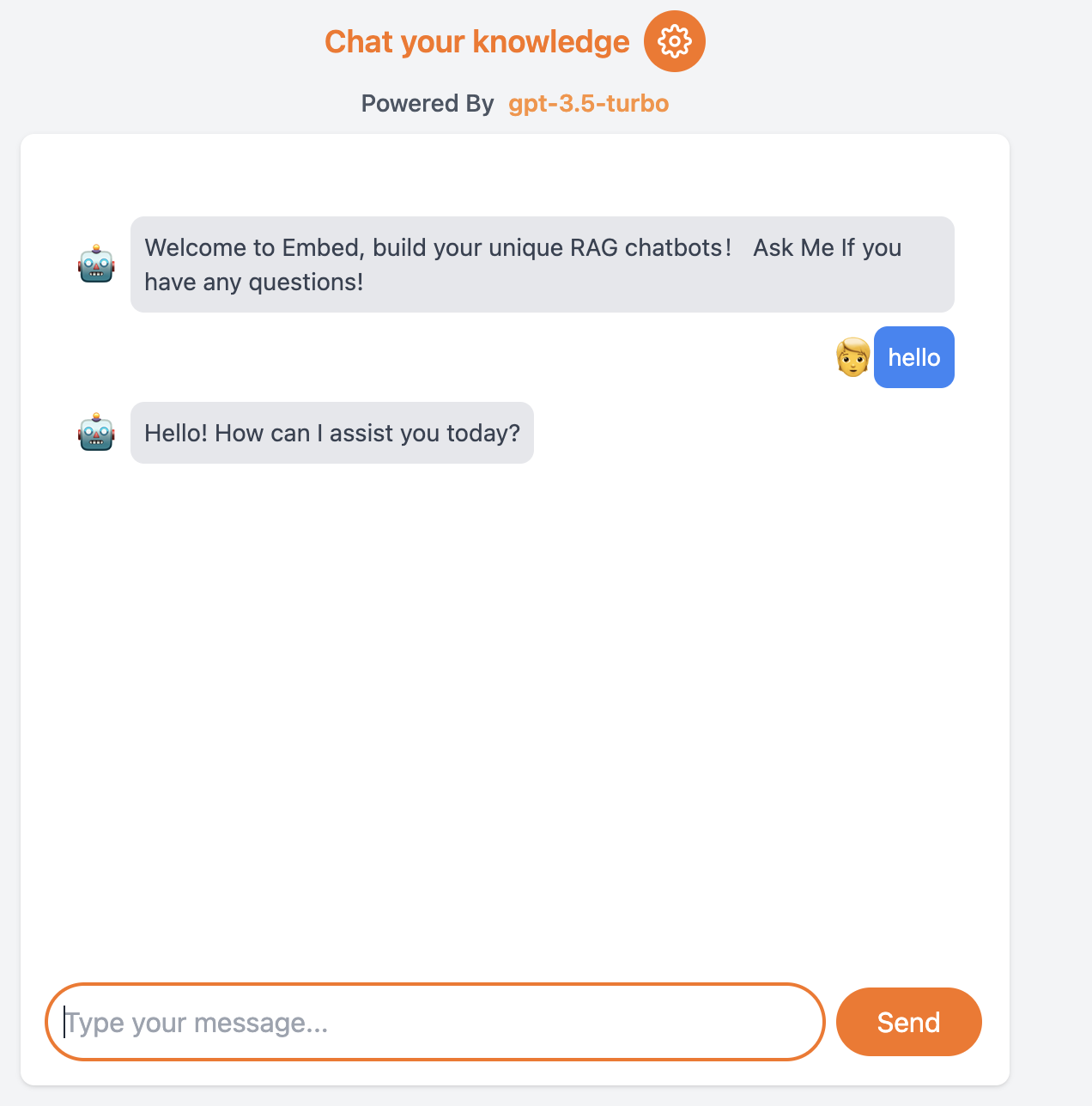
Chatbot Settings
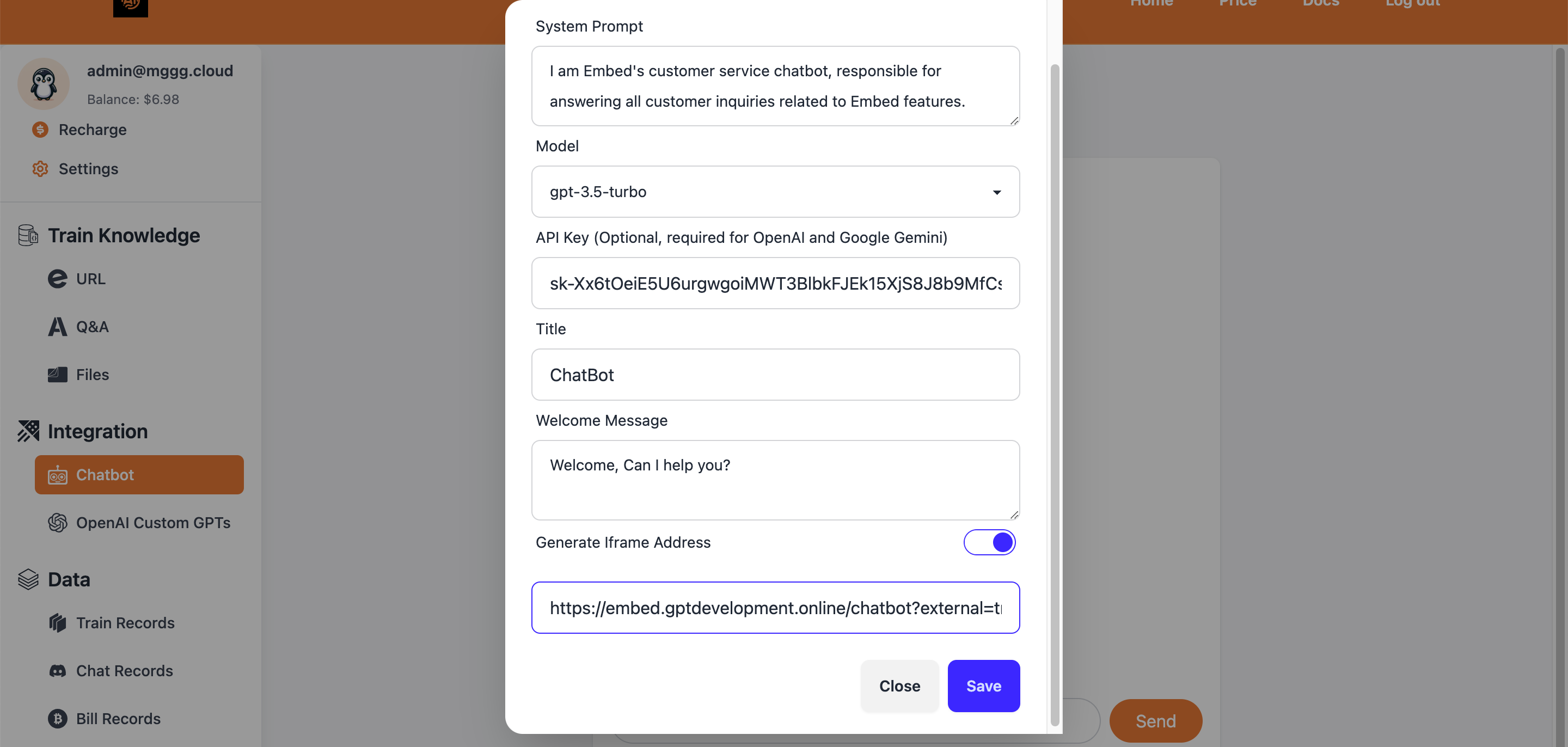
Before using your chatbot, you must configure its settings, including the System prompt, model, API key (optional), title and Welcome Message.
System Prompt
Defines the system prompt for this chatbot.
Model
We currently support three models:
- llama-3-8b (temporarily free)
- gpt-3.5-turbo (requires an OpenAI API key)
- gpt-4-0125-preview (requires an OpenAI API key)
API Key
When utilizing GPT-3.5 or GPT-4, it's essential to obtain an API key directly from the OpenAI official website.
Title
This will be the title of the chat dialog.
Welcome Message
The first message users see when they start chatting.
After configuring these settings, you can start conversing immediately.